Book Cover
New Version

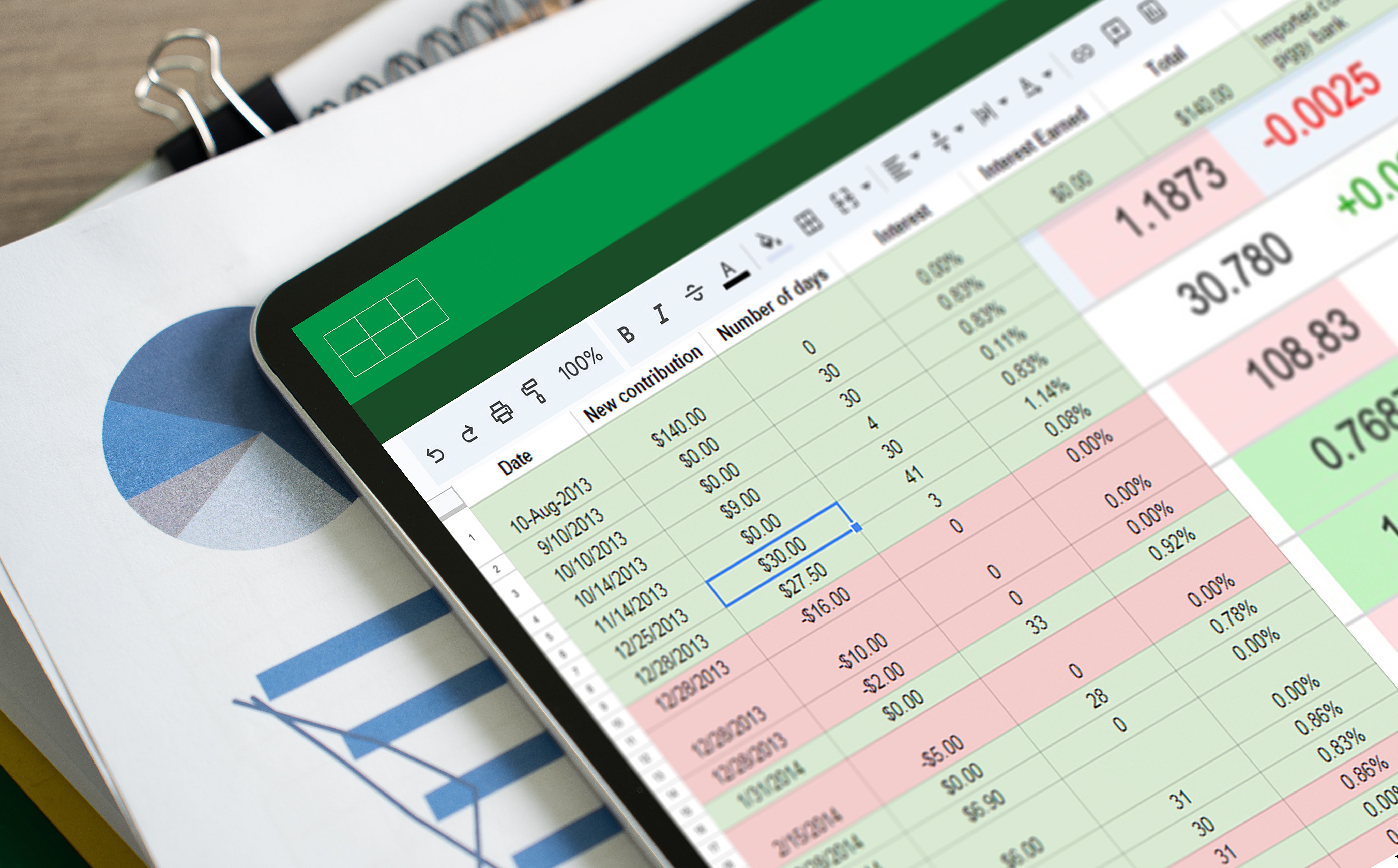
Excel and SQL Educator Online with AI

Information Systems

Artificial Intelligence

ISBN:

978-1-967084-50-0

cfwf default

Excel and SQL Educator Online with AI

Nick Ball, PhD Gove Allen, PhD

Students can have AI finish an Excel assignment in seconds, but this resource makes sure they actually learn it. Built for Excel Online, it takes students from foundational skills through formulas, logic functions, charting, tables, conditional formatting, modeling, statistics, and PivotTables, then extends into database design and SQL, with readings, lecture videos, practice problems, and automatically graded assignments in every lesson. Lisa, a 24/7 AI tutor, helps students troubleshoot in real time, while Alex interviews them about their work as part of the grade, so full credit requires real understanding. Students finish with a verified certificate for LinkedIn and their resume.

  • Free instructor demo access to full resource
  • Plug-and-play solution for instant adoption
  • Lifetime access for students

Table of Contents

Introduction: Introduction and Device Setup Lesson 1: Excel Basics Lesson 2: Formulas and Functions Lesson 3: Boolean Logic and IF Functions Lesson 4: Conditional and Reference Functions Lesson 5: Date, Time, and Text Functions Lesson 6: Charting Lesson 7: Working with Tables Lesson 8: Conditional Formatting Lesson 9: Modeling Lesson 10: Statistics Lesson 11: Analyzing Data with PivotTables Lesson 12: Designing and Building a Database Lesson 13: Introduction to SQL Lesson 14: Writing Queries with Restrictions Lesson 15: Joining Multiple Tables in the Same Query Appendix A: Formatting Worksheet for Printing Appendix B: Formula Auditing Appendix C: Chart Data Series Appendix D: What-If Analysis Appendix E: Named Ranges Appendix F: Circular References Appendix G: Optimization Analysis Appendix H: Shortcuts

Request Free Access

Interested in using this resource in your course? Request free instructor access. Just tell us who you are and where you teach, and we’ll take care of the rest!

(students: reach out to your instructor for assistance with accessing your textbook, or view this walkthrough.)

Thank you! Your submission has been received!
Oops! Something went wrong while submitting the form.

Made by proffessors, for professors

cfwf default

Auto-Graded Assessments

Customize assessments or create new ones. Assessments are completed online within the text and instantly graded with detailed feedback.

cfwf default

LMS Integration

Access courseware with single sign-on convenience using our LMS integration tools. Assignments, exams, and grades are automatically synced.

cfwf default

Instructor Materials

Take advantage of study plans, PowerPoint presentations, and test banks so that courses require minimal start-up time.

cfwf default

Micro-Credentials & Certificates

Allow your students to earn achievements in the classroom. Keep them engaged using ready-made badges and certificates, or create your own.

cfwf default

AI Virtual Assistant

Our AI Virtual Assistant transforms how students engage with content, offering features like multilingual translation, question answering, progress assessment, and much more.

Related Courses

Catalog
What is MyEducator?
How much does MyEducator cost?
How long do students have access, and what about updates?
Are resources customizable?
How long is setup—what is the adoption process?
What LMS do you integrate with?
Do you provide sample syllabi, guides, and other instructor materials?

Ready to get started?