Resource
IT Project ManagementResource
Microsoft Power BI ModuleFeature
Feature
Feature
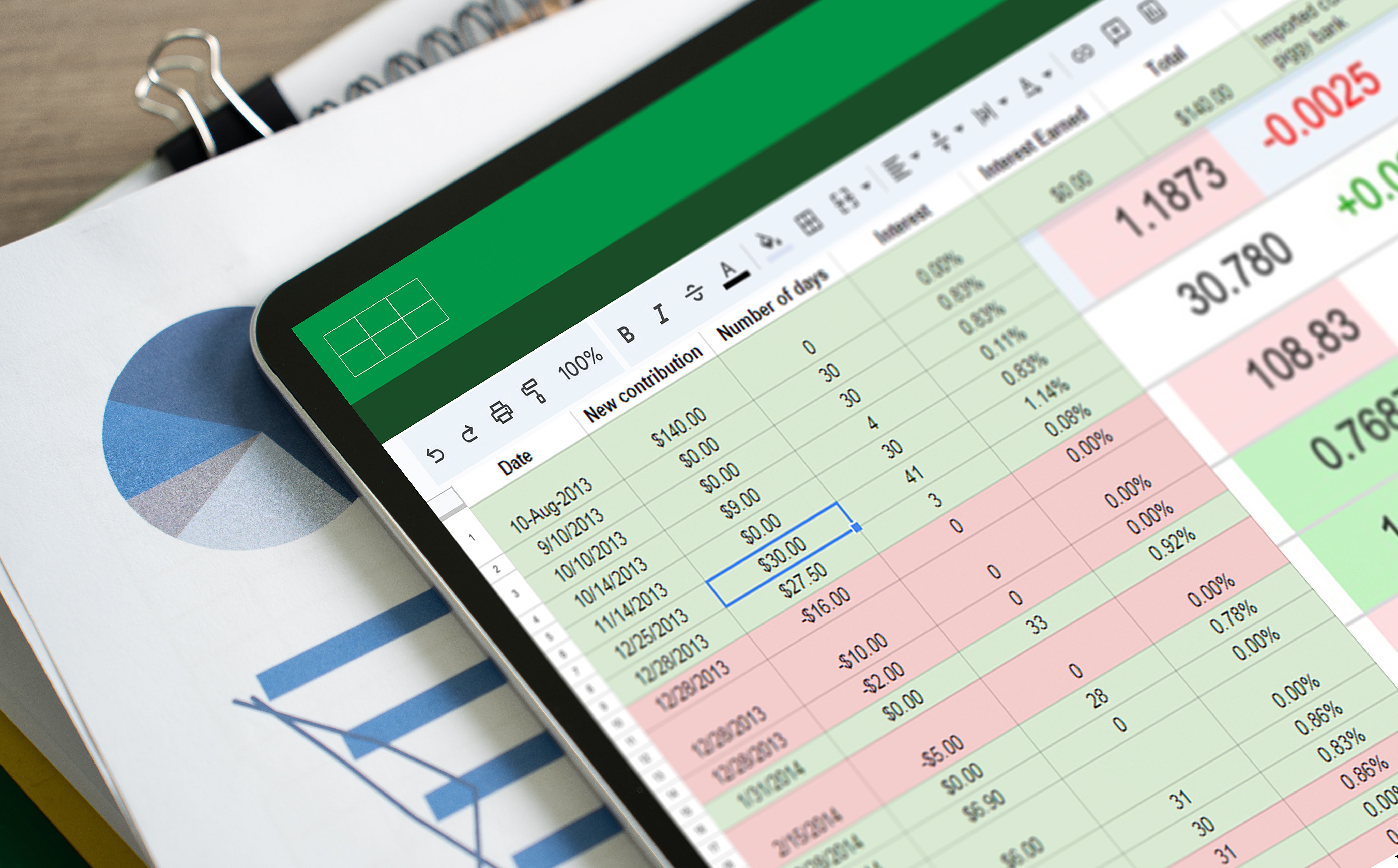
Spreadsheets have incredible power, but most of that power goes unused. This resource is aimed at students who already have a basic knowledge of Excel and provides an in-depth look at the many tools and features that Excel offers to create complex and powerful spreadsheets—all with practice opportunities completed in the live Excel environment. Students will come away with the knowledge and skills to become a master at Excel and set themselves apart from the competition in the workplace.
Introduction Lesson 1: Names Lesson 2: Debugging Lesson 3: Dates and Times Lesson 4: Charts Lesson 5: Conditional Formatting and Data Validation Lesson 6: External Data Acquisition Lesson 7: Data Tables and Lists Lesson 8: Arrays Lesson 9: Circular References, Goal Seek, and Solver Lesson 10: PivotTables Lesson 11: Financial Formulas: Part 1 Lesson 12: Financial Formulas: Part 2 Lesson 13: Counting and Summing Lesson 14: Lookups Lesson 15: Text Lesson 16: Megaformulas Lesson 17: Importing and Cleaning Data Lesson 18: VBA: Basics Lesson 19: VBA: Control Flow Lesson 20: VBA: Debugging, Errors, and Help Lesson 21: VBA: Creating Functions Practice Lesson 22: Miscellaneous Calculations Lesson 23: Monte Carlo Simulations Lesson 24: Power Pivot
Interested in using this resource in your course? Request free instructor access. Just tell us who you are and where you teach, and we’ll take care of the rest!
Customize assessments or create new ones. Assessments are completed online within the text and instantly graded with detailed feedback.
Access courseware with single sign-on convenience using our LMS integration tools. Assignments, exams, and grades are automatically synced.
Take advantage of study plans, PowerPoint presentations, and test banks so that courses require minimal start-up time.
Allow your students to earn achievements in the classroom. Keep them engaged using ready-made badges and certificates, or create your own.
Our AI Virtual Assistant transforms how students engage with content, offering features like multilingual translation, question answering, progress assessment, and much more.
MyEducator was founded by university professors who were frustrated with traditional publishers. Fed up with the high cost for students, outdated content, and ineffective use of technology, they set out to create interactive smart textbooks that could be customized for each course. They knew there had to be a better way.
We understand the need for change–not just in the content students use but in how they apply their knowledge in the real world. Join our mission to make learning more accessible and relevant for every student, in every class, everywhere.
We are proud to offer some of the lowest prices in the industry. Many of our modules and supplements are even more affordable. You can choose from ready-made courseware bundles, or customize your own for additional savings for students! Contact us to learn more about pricing options for your classroom.
Students have access for life! They can even access updates and new versions of their resource at any time for no additional cost.
Yes! You can custom-tailor any resource with your own materials, add/remove and rearrange content, and you even have access to our authors to assist in creating the perfect resource for your specific needs.
Lightning fast--once you choose to adopt, our team is ready to assist with setup and provide continuous support.
We integrate with all major LMS platforms: Canvas, Brightspace, Moodle, Blackboard, and even your own LMS. Integration is secure and stable.
We have collaborated closely with our authors to make your adoption process as turn-key as possible! While offerings vary by resource, we generally provide a full range of materials, including syllabi, instructor guides, lesson outlines, robust auto-graded assessments, videos, current event articles, case studies, simulations, games, an AI Virtual Assistant, and more. We're constantly adding resources to support your teaching needs!